The Situation
The scenario models a sole-trader IFA practice run from home, with around 80 clients — predominantly pre-retirees in their 50s and 60s. Before adopting Wealth365, each client review meant rebuilding the same Excel model from scratch — a 45–60 minute task before the meeting even started.
The need: a tool that holds client data, runs UK-specific projections, and produces white-labelled PDFs and multi-year financial statements that carry the practice's own brand.
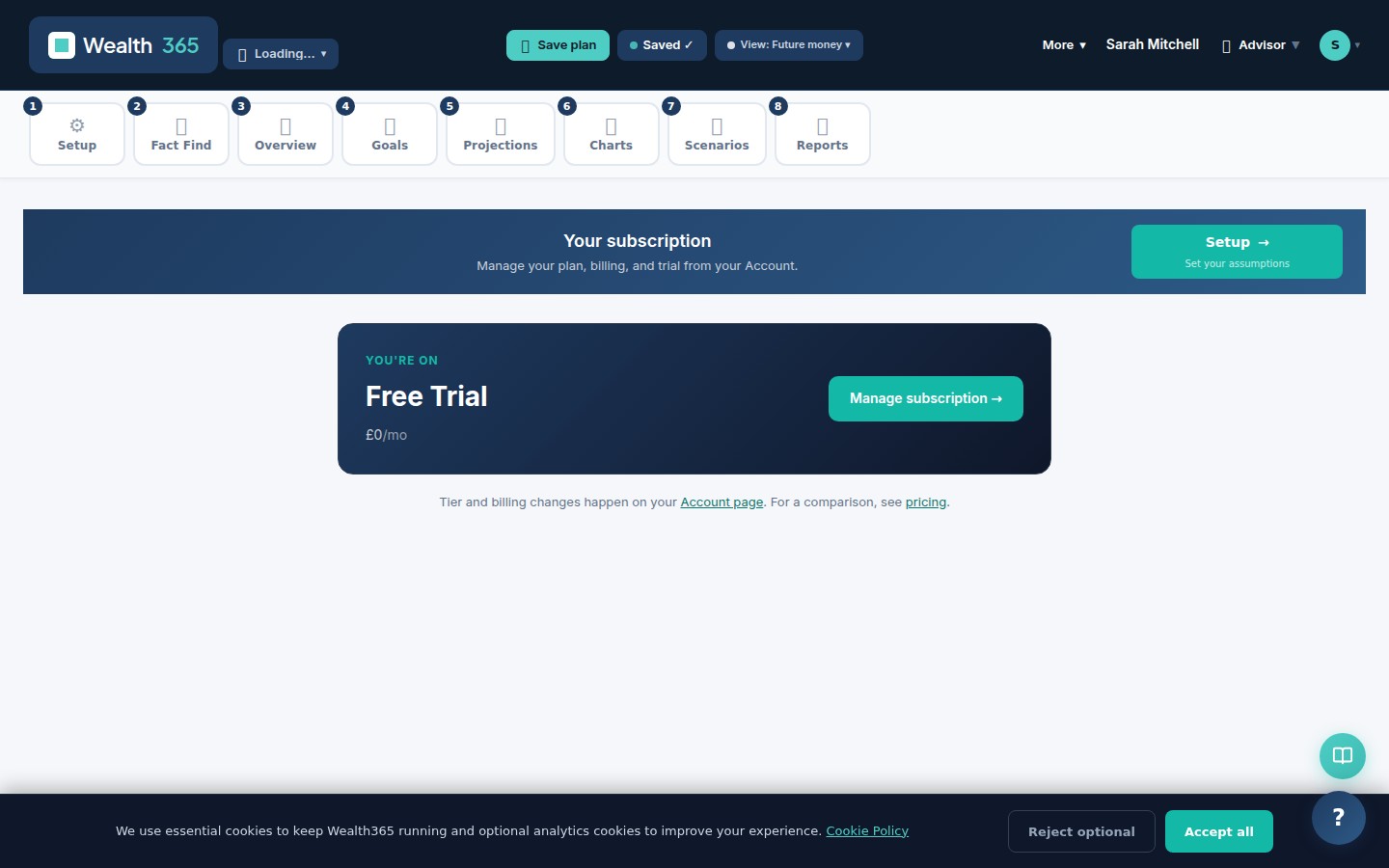
Scenario dashboard — projection hero with KPI cards
What Wealth365 Showed
A plan is created per client under the Advisor workspace. The projection engine handles State Pension, DB pensions, ISAs, SIPPs and property in one place, with no manual formula maintenance.
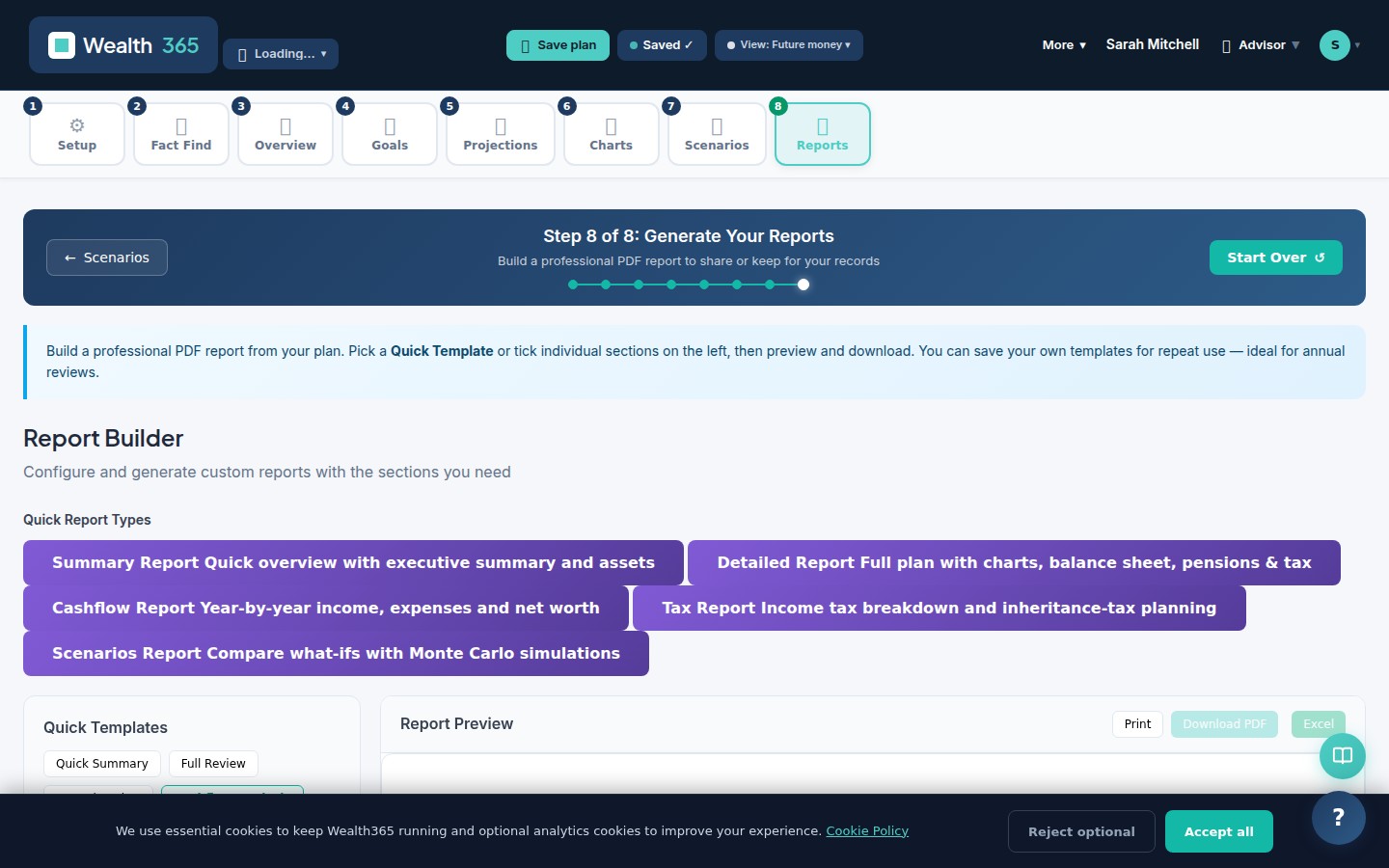
The white-label PDF report is generated with firm name, logo and colour scheme baked in — typically 8–12 pages covering projection summary, cashflow, income breakdown and sustainability metrics. The matching Multi-Year Financial Statements (Excel) export gives clients the full P&L, Balance Sheet and Cash Flow year-by-year.
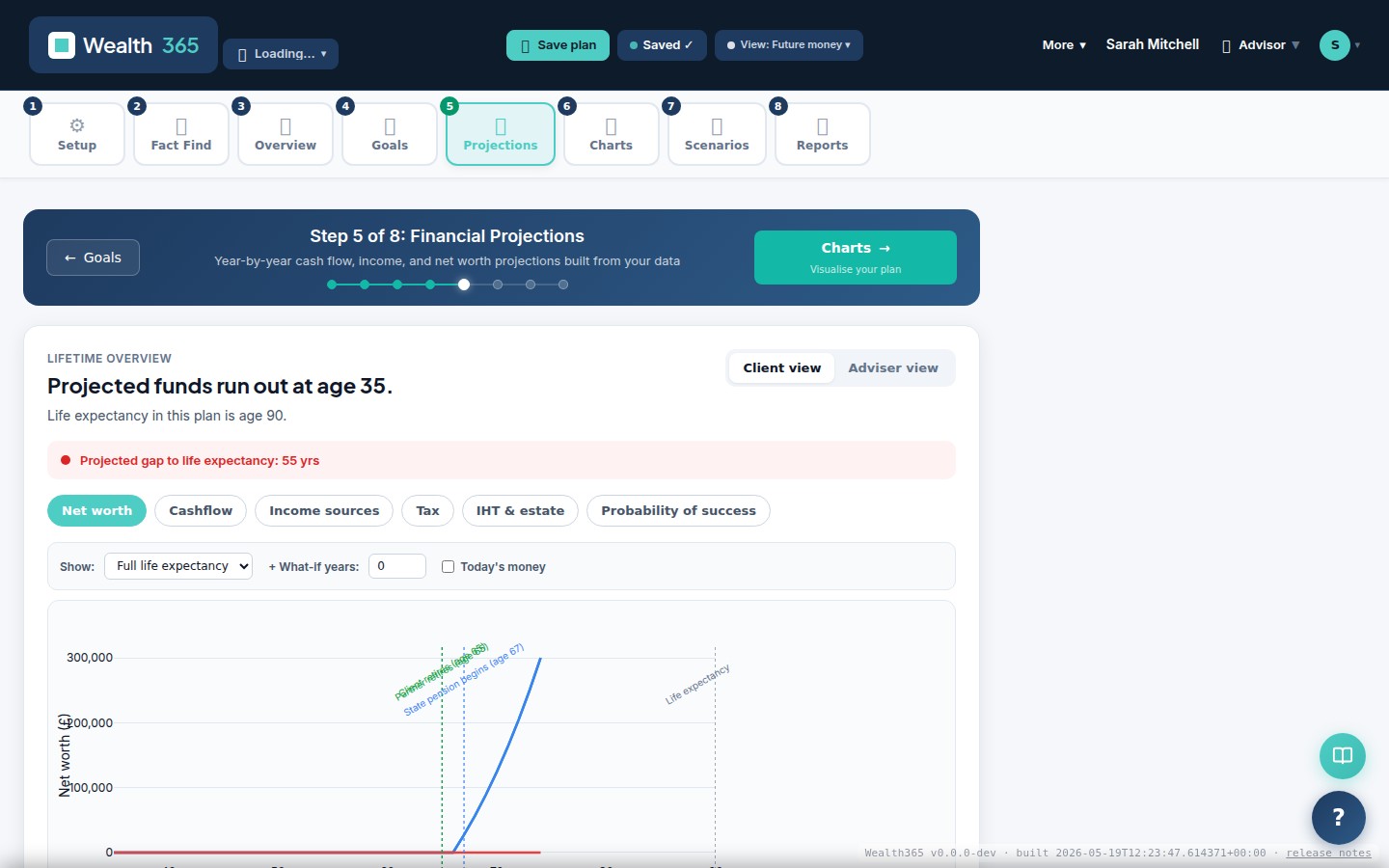
Year-by-year projection with income, expenses and net worth
The Feature That Changed Things
The IFA CRM dashboard gives a single view of all clients: who is due for review, whose plan has changed significantly, and which prospects are in the pipeline. Any client's plan opens directly from the dashboard.
IFA CRM dashboard — client list with review status and pipeline stages
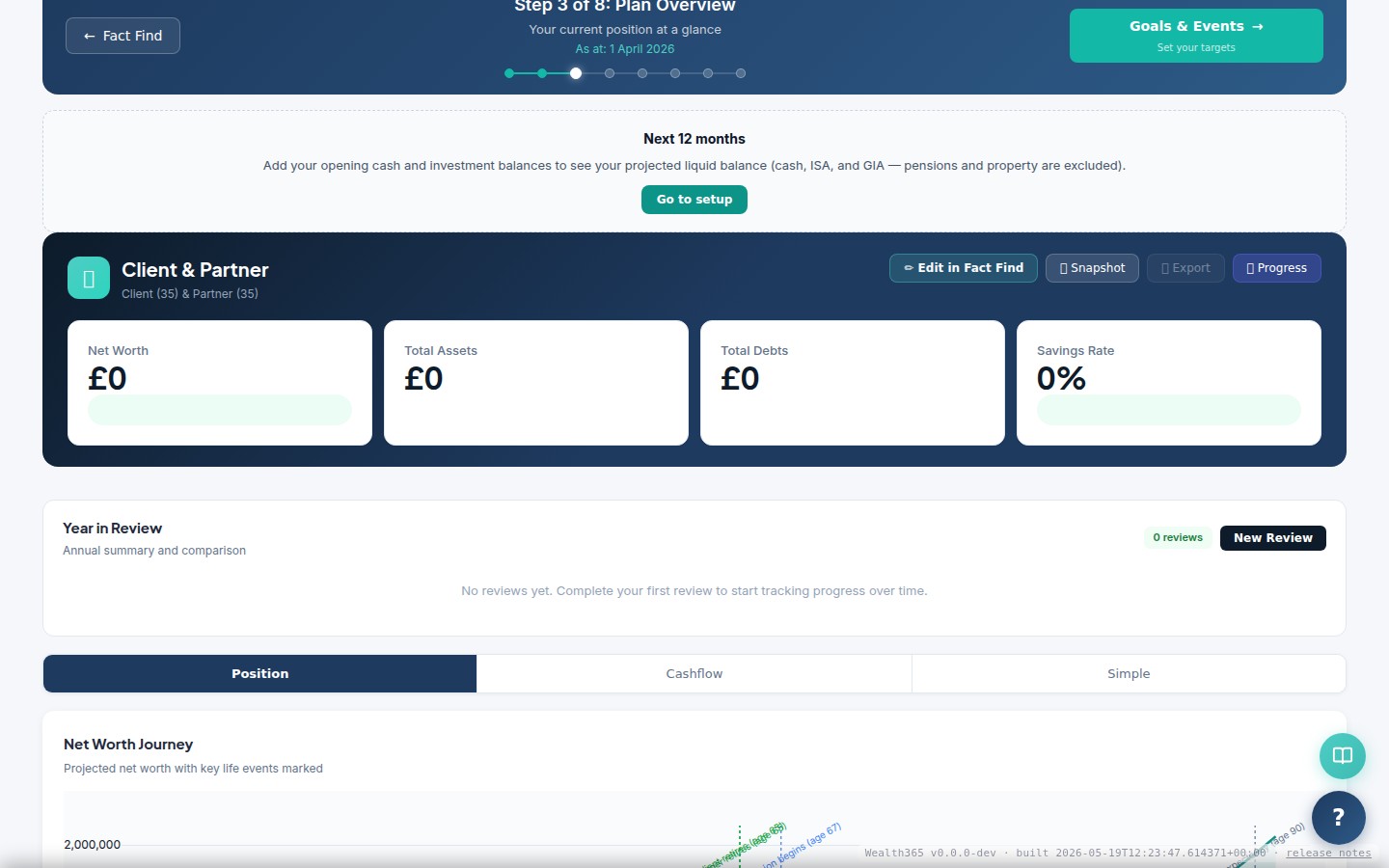
KPI summary — on-track %, projected wealth at retirement, and sustainable income
Illustrative adviser-workflow information
These cards describe a modelled practice scenario. Count cards are illustrative fixture metadata; capability and workflow cards are editorial claims. They are not measured usage metrics or projection-ledger outputs.
What They Did Next
The white-label PDF and Multi-Year Financial Statements (Excel) are sent after every annual review. Clients value seeing both the executive summary and the underlying year-by-year ledger — typically a first for most.
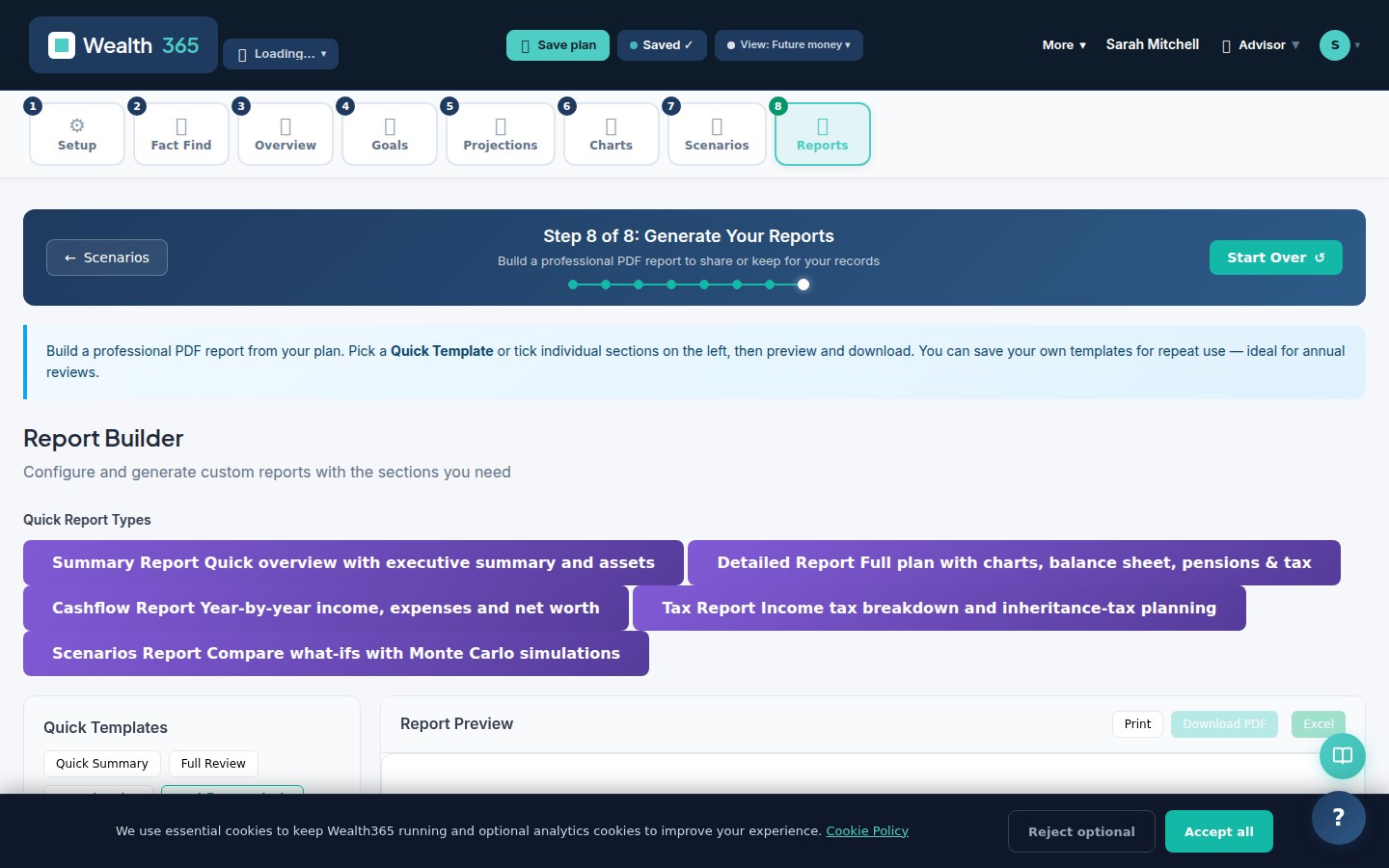
Custom-branded PDF report — ready to share or save (Multi-Year Financial Statements Excel workbook produced from the same plan)