The Situation
The scenario models a three-adviser partnership serving professionals and business owners. The ~280-client book includes complex cases: IHT mitigation, director salary/dividend extraction, and DB-to-DC transfers.
Before Wealth365, showing a client a revised scenario mid-meeting meant going back to the office to rebuild the model and sending a revised report days later — by which time client momentum had cooled.
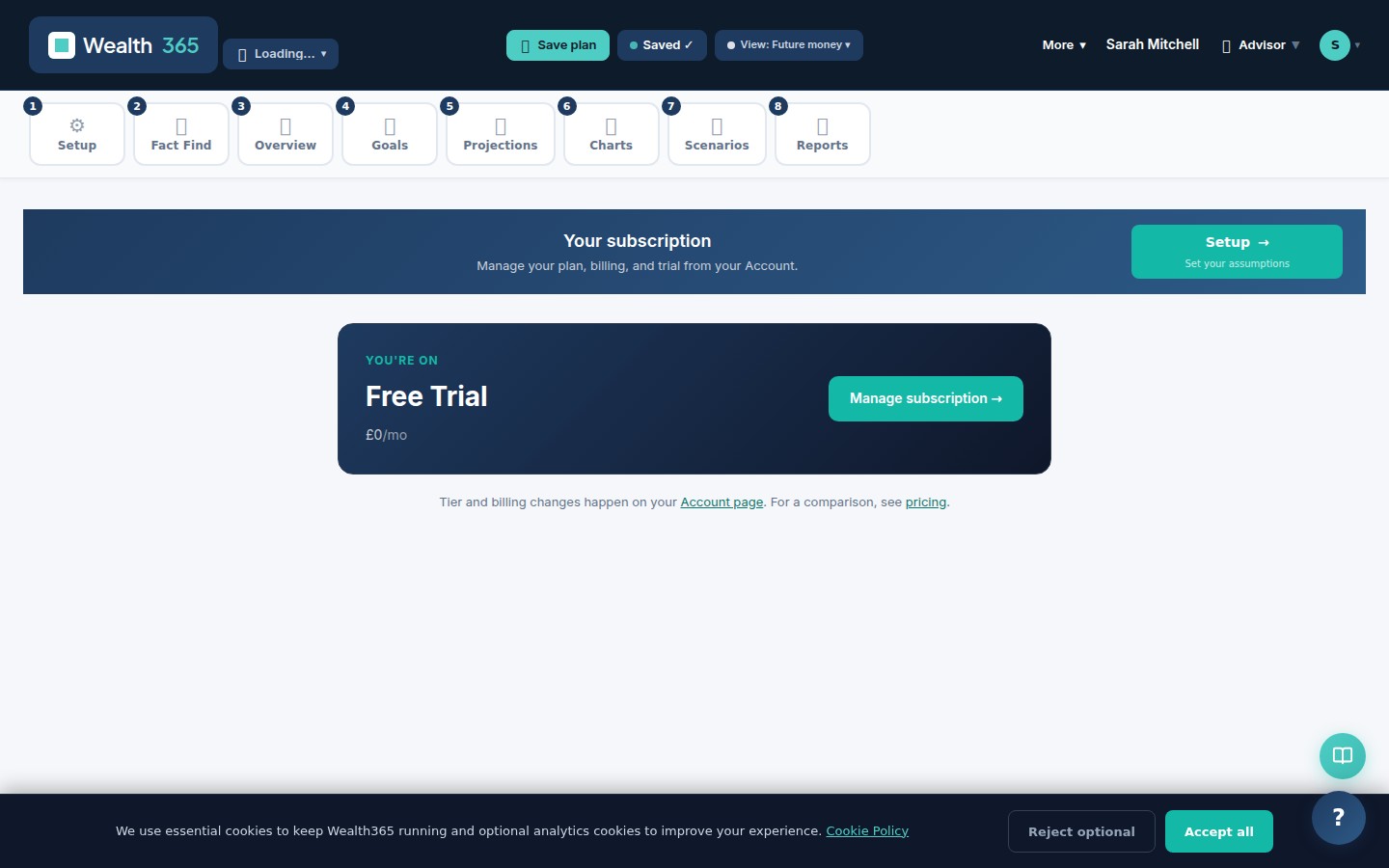
Scenario dashboard — projection hero with KPI cards
What Wealth365 Showed
Virtual Meeting combines a video/audio call with live Wealth365 screen sharing. The adviser proposes a change — say, increasing employer pension contributions by £10,000 — and the client sees the updated projection immediately, with the underlying ledger also exportable as Excel.
The CRM pipeline shows all 280 clients across active, review-due and prospect stages. Each adviser sees their own client book; the senior partner sees the whole firm.
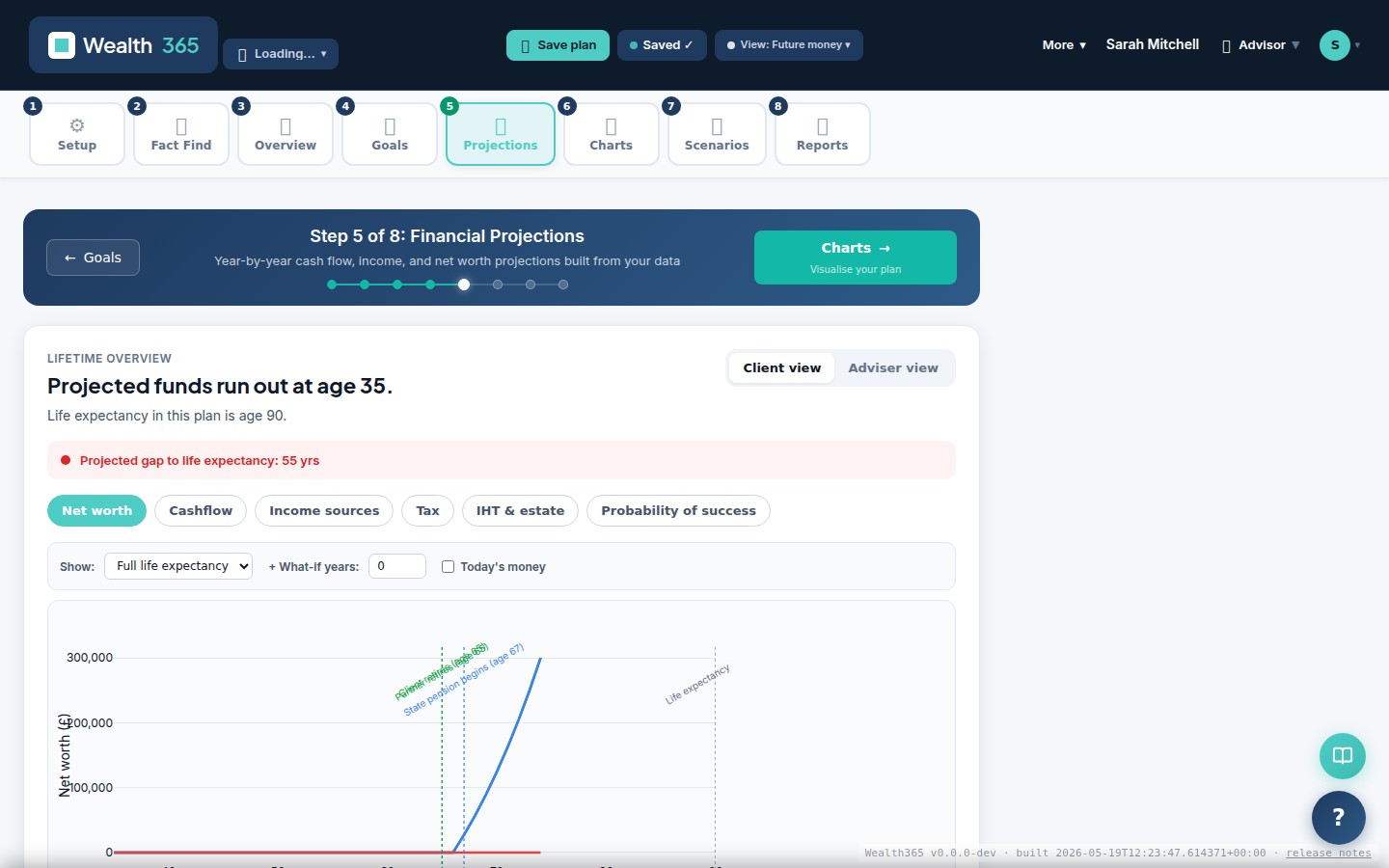
Year-by-year projection with income, expenses and net worth
The Feature That Changed Things
The Scenario Proposals feature inside Virtual Meeting presents up to three alternatives simultaneously: the base plan, a conservative variant, and an adjusted variant. The client can toggle between them on their own screen during the call.
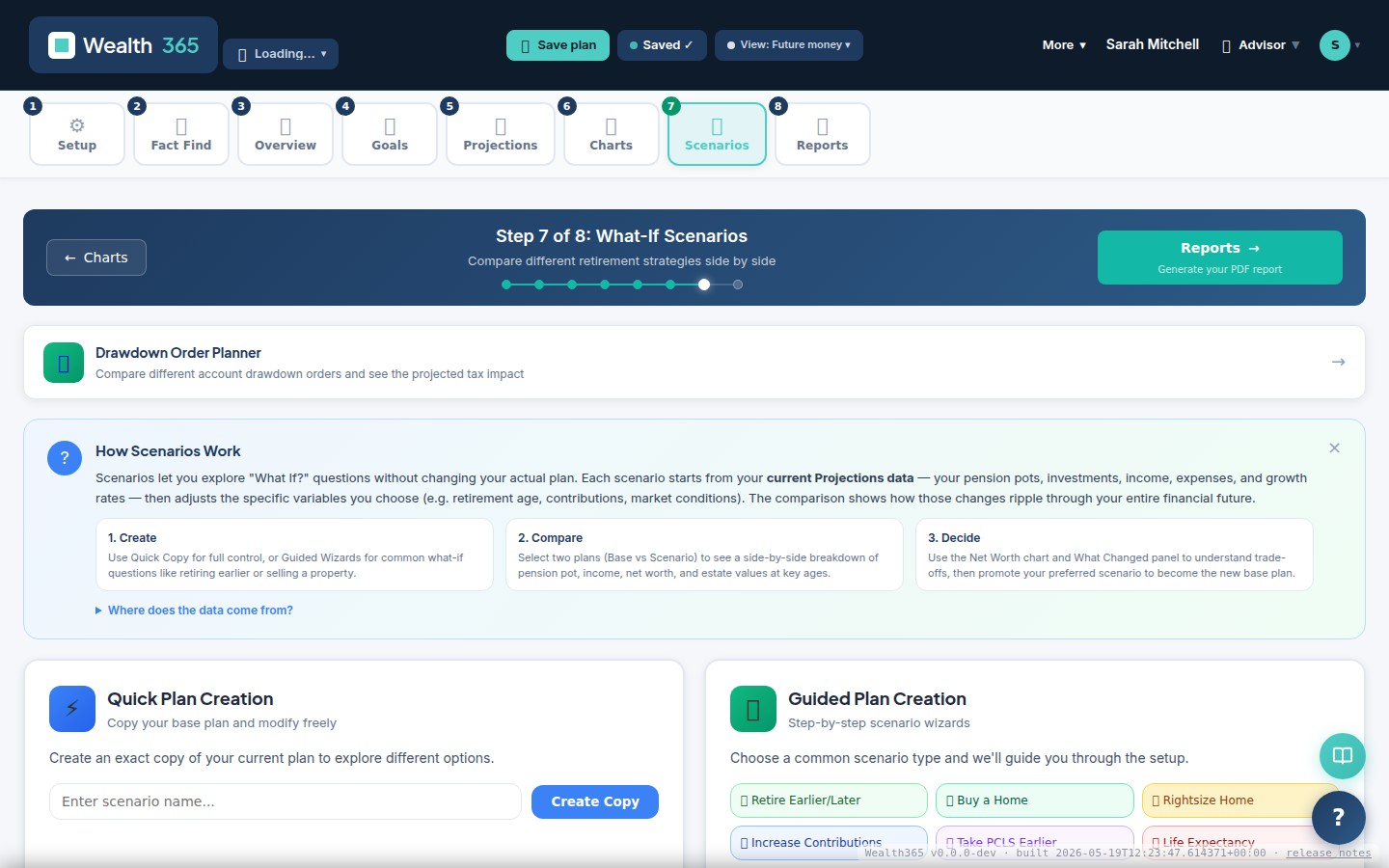
Virtual Meeting with live scenario comparison — adviser and client screens
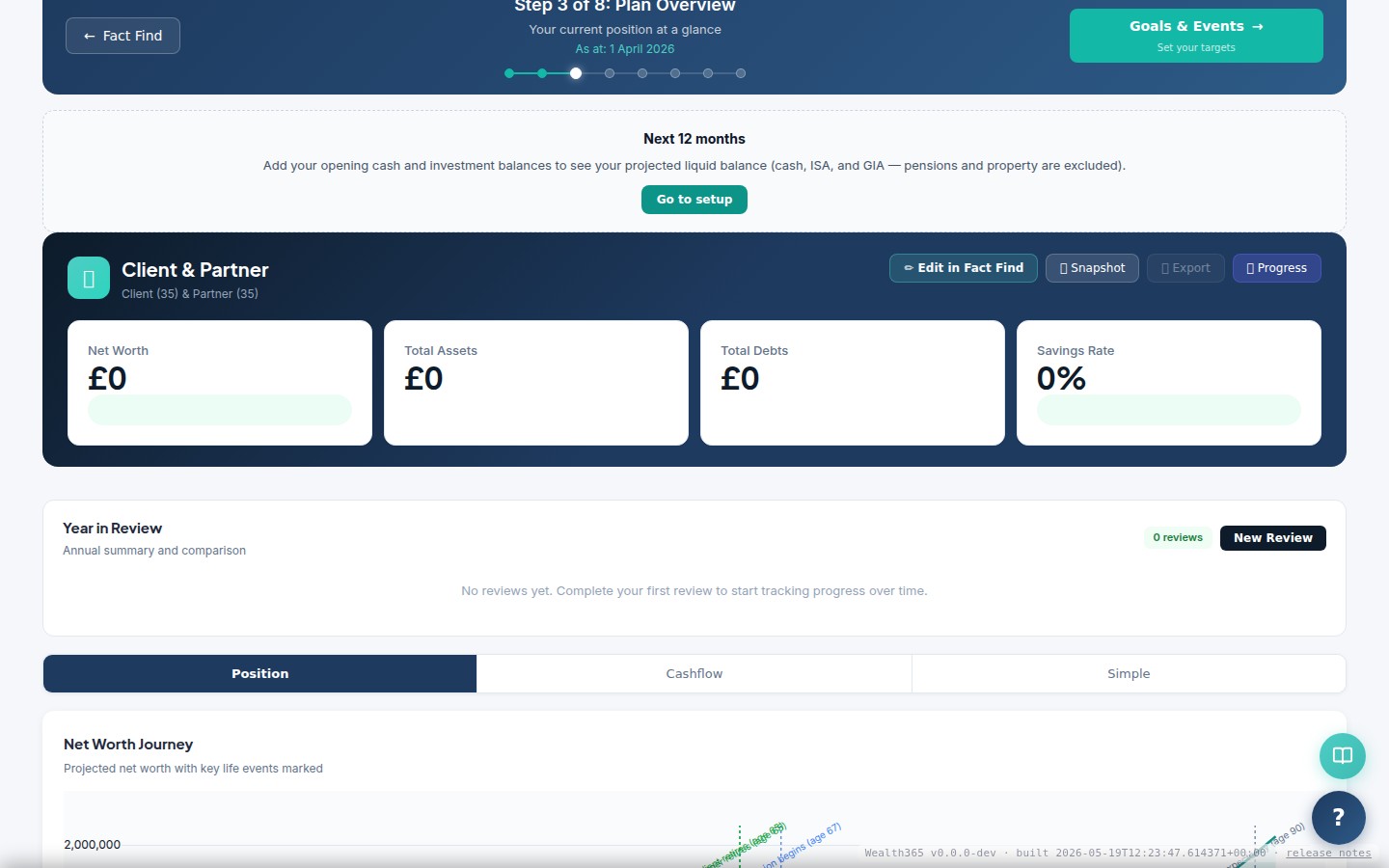
KPI summary — on-track %, projected wealth at retirement, and sustainable income
Illustrative adviser-workflow information
These cards describe a modelled practice scenario. Count cards are illustrative fixture metadata; capability and workflow cards are editorial claims. They are not measured usage metrics or projection-ledger outputs.
What They Did Next
All complex client reviews now run through Virtual Meeting. Decision rate in meetings (client approves a recommendation on the call) rises measurably, reducing follow-up emails and revised reports. The Multi-Year Financial Statements (Excel) is attached to every meeting summary.
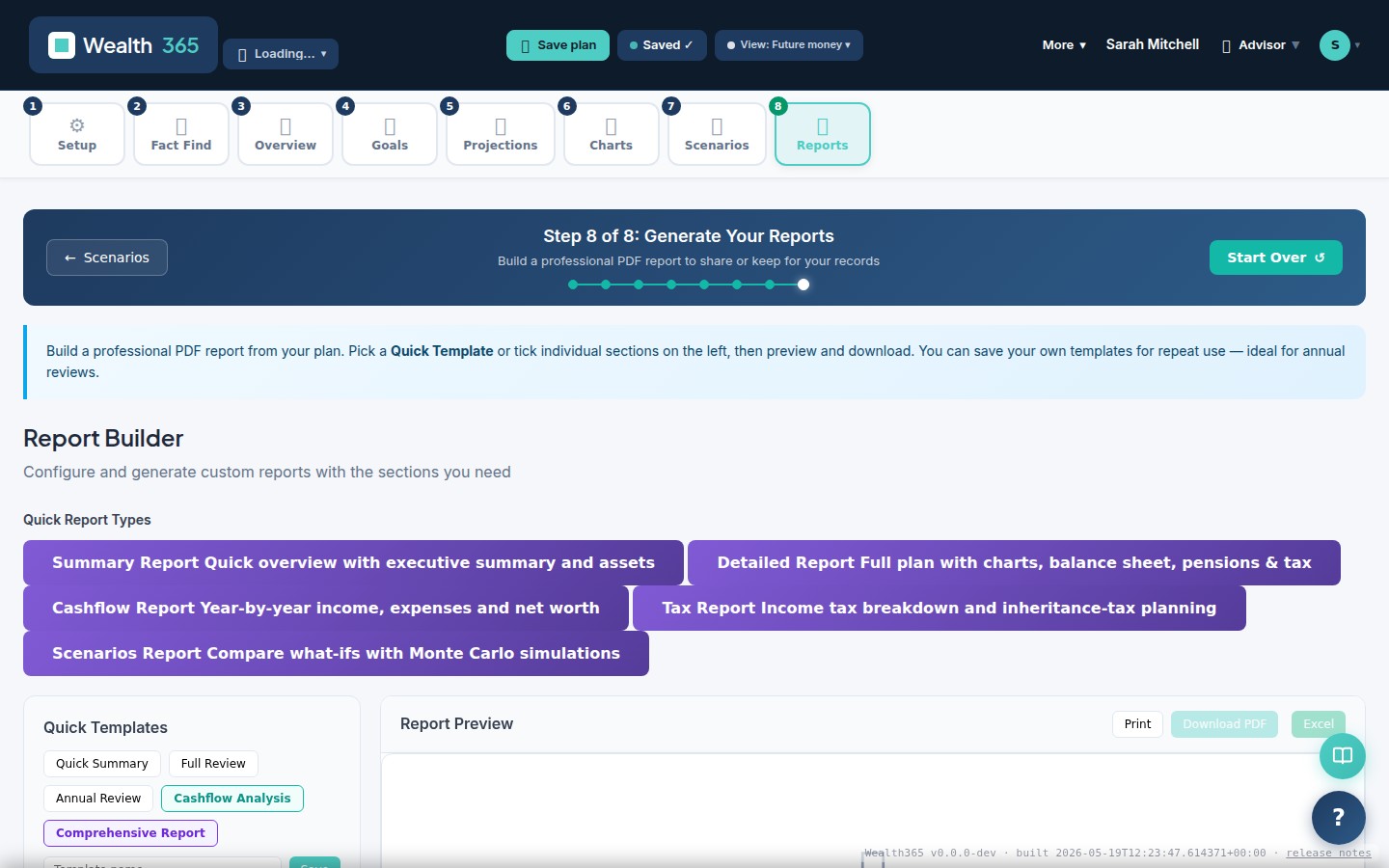
Custom-branded PDF report — ready to share or save (Multi-Year Financial Statements Excel workbook produced from the same plan)